Fossa is multi-tenant SaaS web application for small and medium business. Core philosophy of the application is to enable to work with business processes instead of management of tabular data.
We understand that not all small companies have Microsoft 365 and Google Workspace subscriptions, so Fossa integrates with FusionAuth to bring Identity and Access Management to businesses big and small.
Code is open source and can be found in GitHub.
Identity and Access Management
Fossa uses FusionAuth as OpenID Connect identity provider. Social Logins are possible, however, need to be configured in FusionAuth.
Authentication / Identity
Any user associated to the given tenant (tenant is analogous to company) will be able to log in and access the application. Some user profile information like first name, last name, and full name will be reused in the application, however, can be changed inside of the application by the user.
Authorization / Access
Users might or might now have roles assigned to them. Fossa unlocks several functionalities for users with “Administrator” roles.
Licensing
All type of licenses is granted for specific period. License will be considered invalid before and after given period.
System Licensing
System License grants access to specific system and specific environment. It also defines list of countries that system is entitled to operate, and maximum number of companies system is entitled to operate.
Invalid system license will render system nonoperational.
Company Licensing
Company License grants access to specific company. It also defines maximum number of employees, branches, and departments entitled to the company.
Invalid company license will be considered as trial license which severely limits operational scope of the application.
Flows
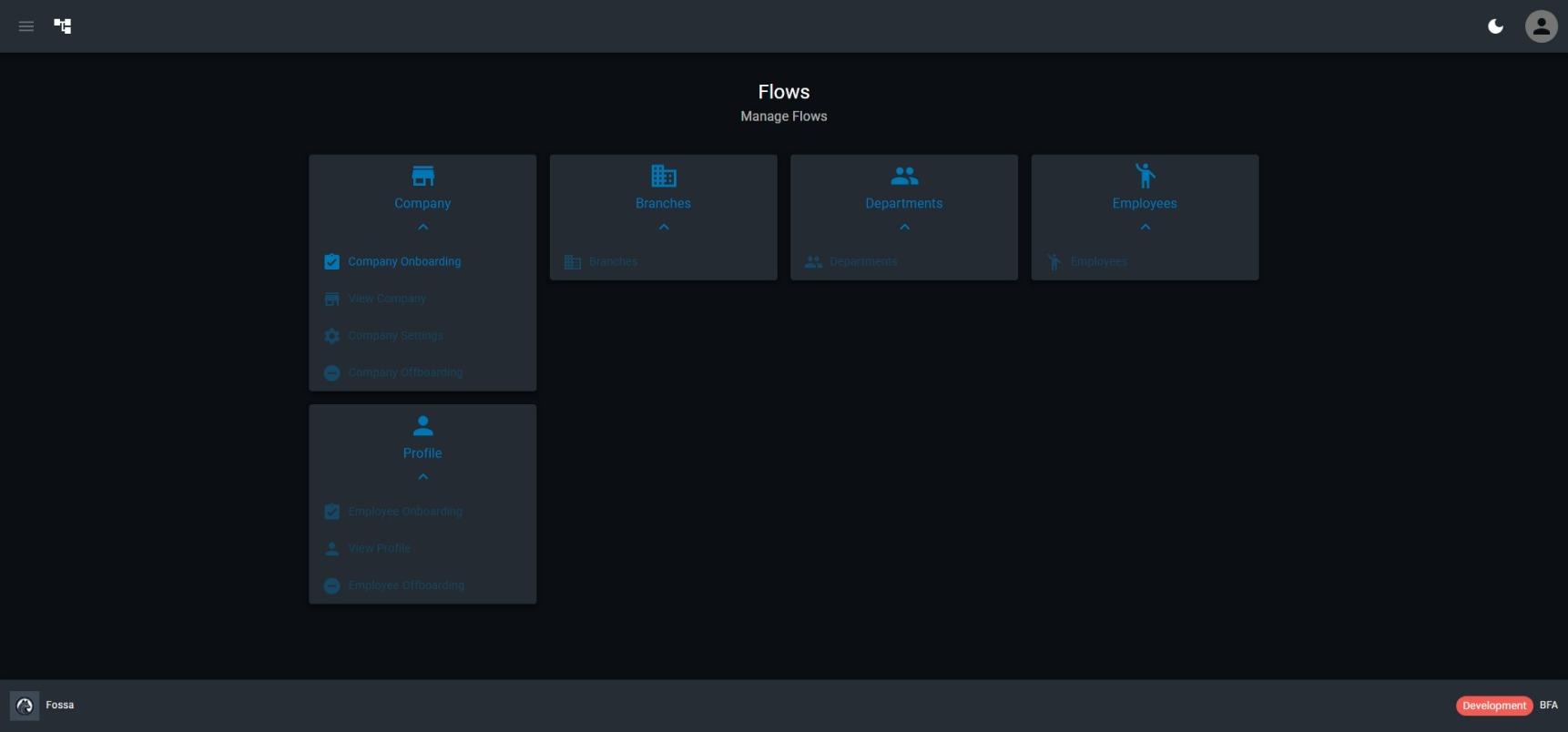
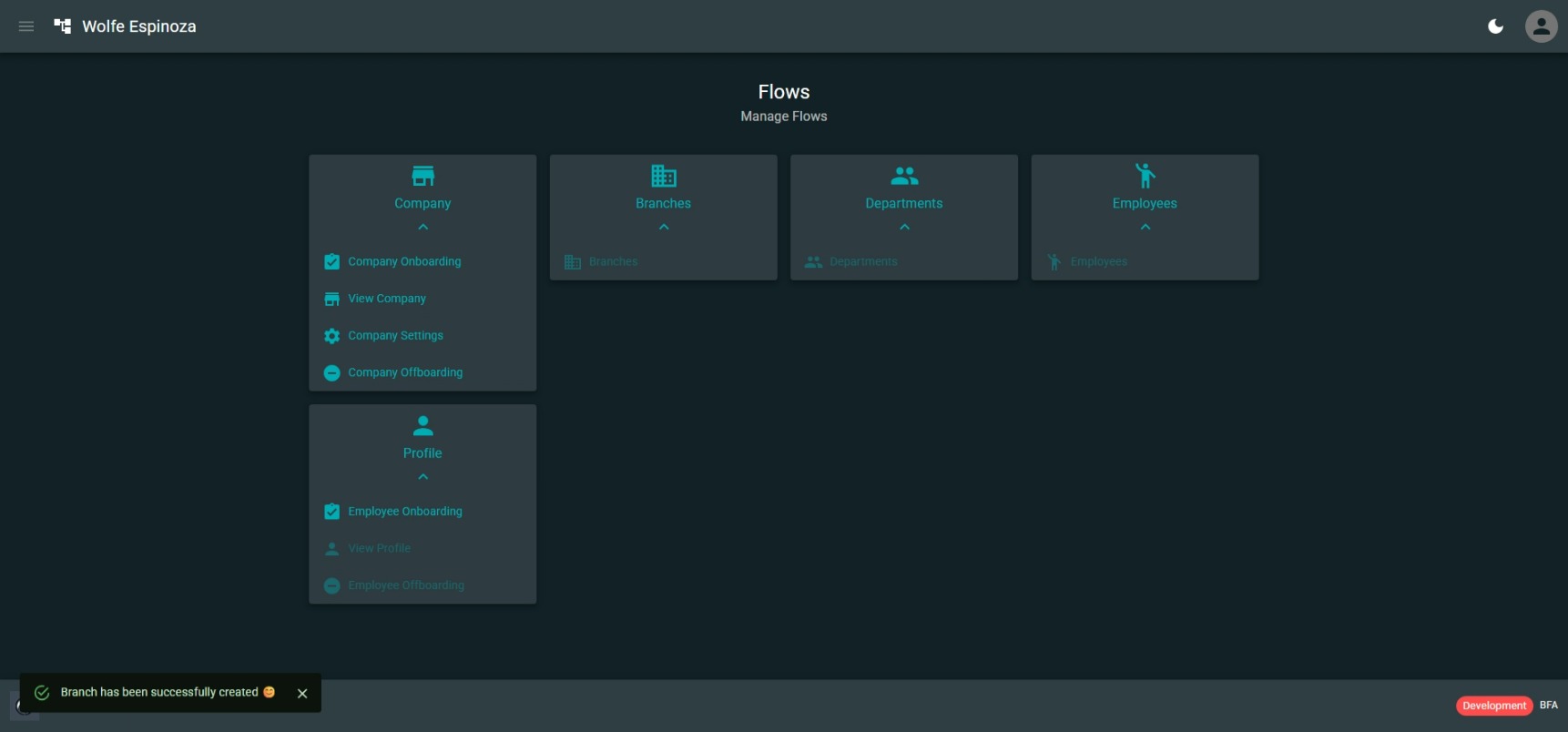
Flows are designed to highlight the intent and facilitate business processes as an intelligent replacement of simple data manipulation operations.
Company Onboarding Flow
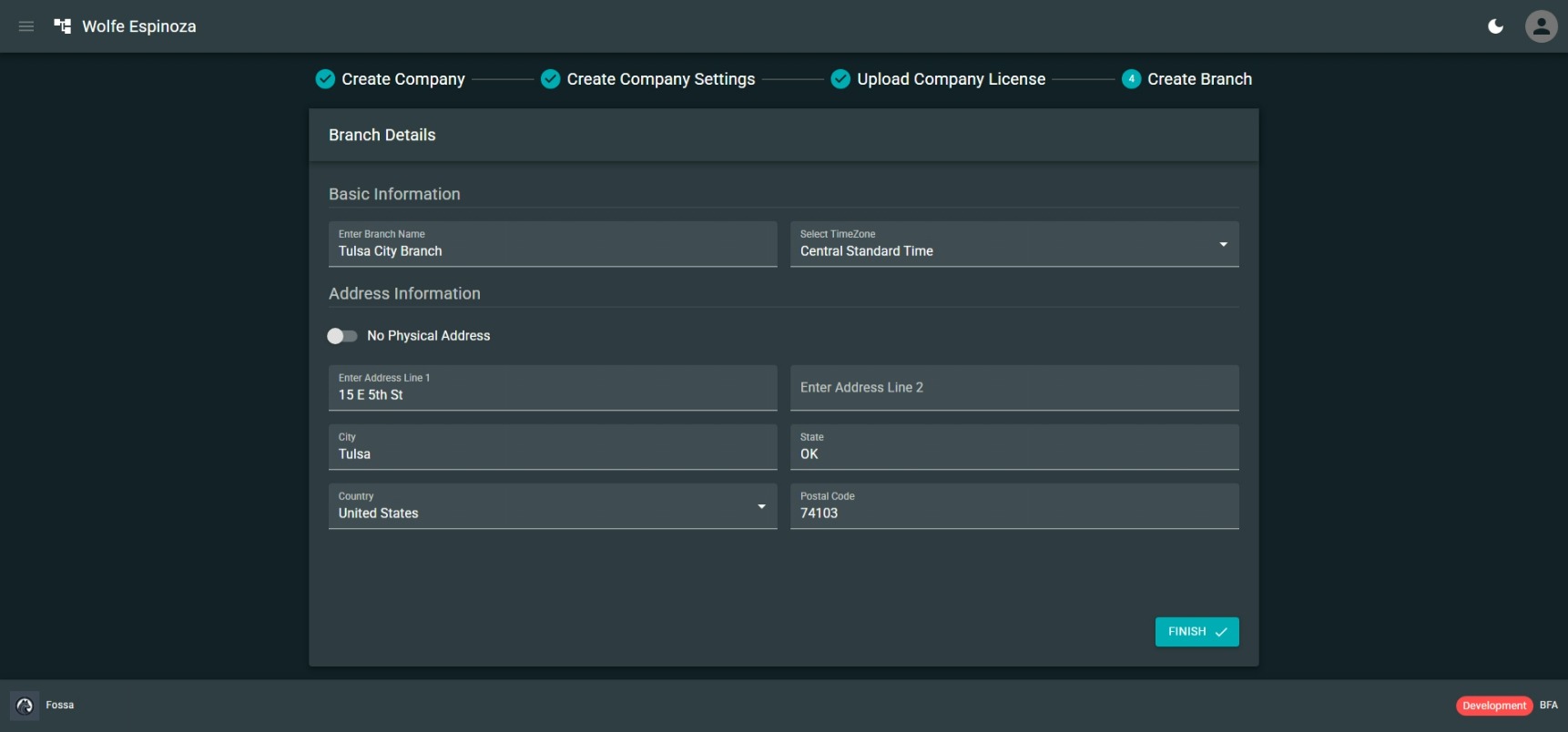
Many things need to happen before company considered to be onboarded and ready for day-to-day activities. Some of those steps are company creation, license upload, company settings configuration, company license upload, branch creation. In order to streamline these processes company onboarding flow provides step by step guidance, showing which steps are already completed and which one still needs to be completed.
Employee Onboarding Flow
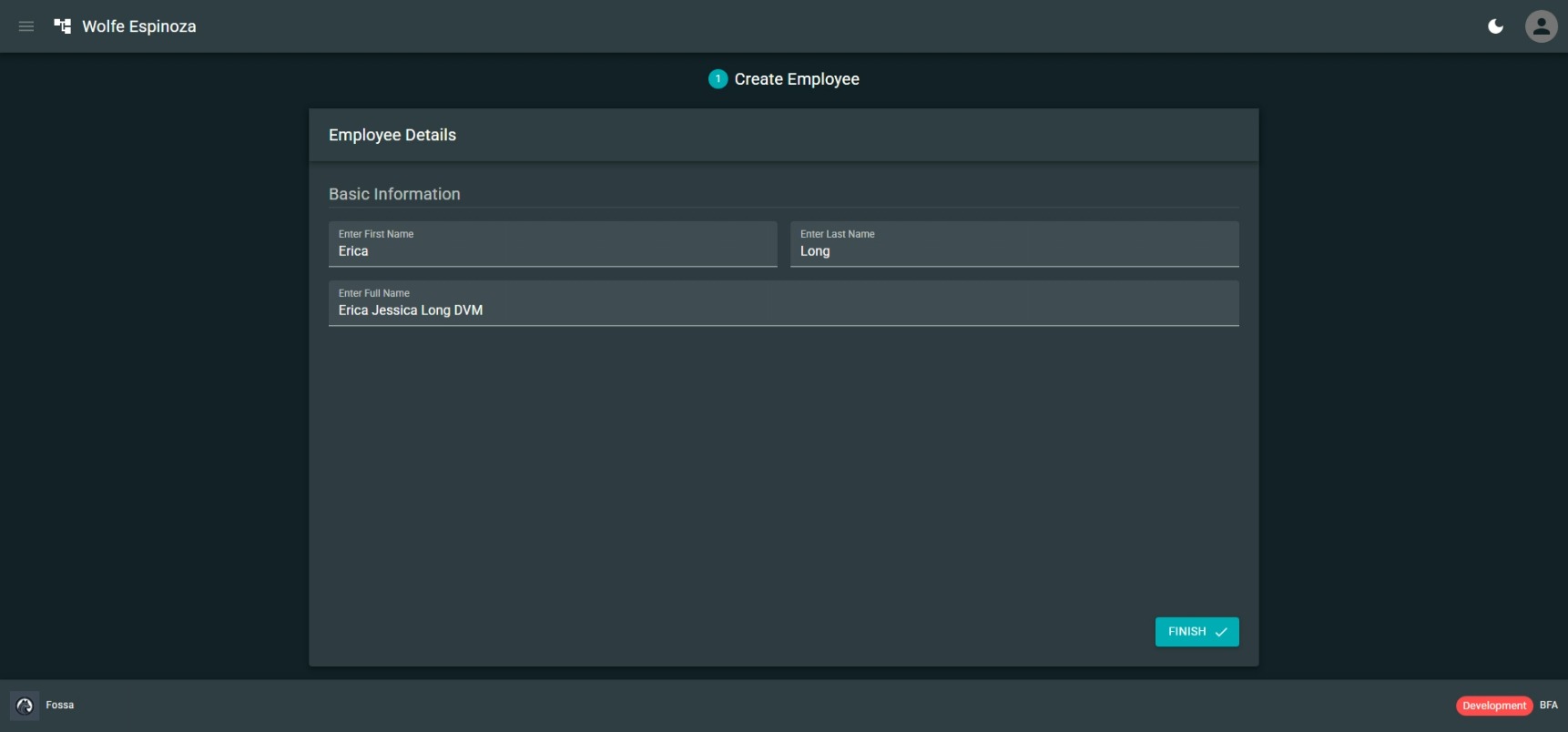
Employee onboarding flow is fairly simple and contains only one step: employee creation. Later it might be extended to include mandatory training, checklists, and documentation requirements checks.
Branch Management Flow

Branch management flow provides list of existing branches, their names, and addresses. In this flow new ones can be created, existing ones can be modified, and inactive branches can be deleted (providing that there are no other entities that depends on the branch).
Department Management Flow
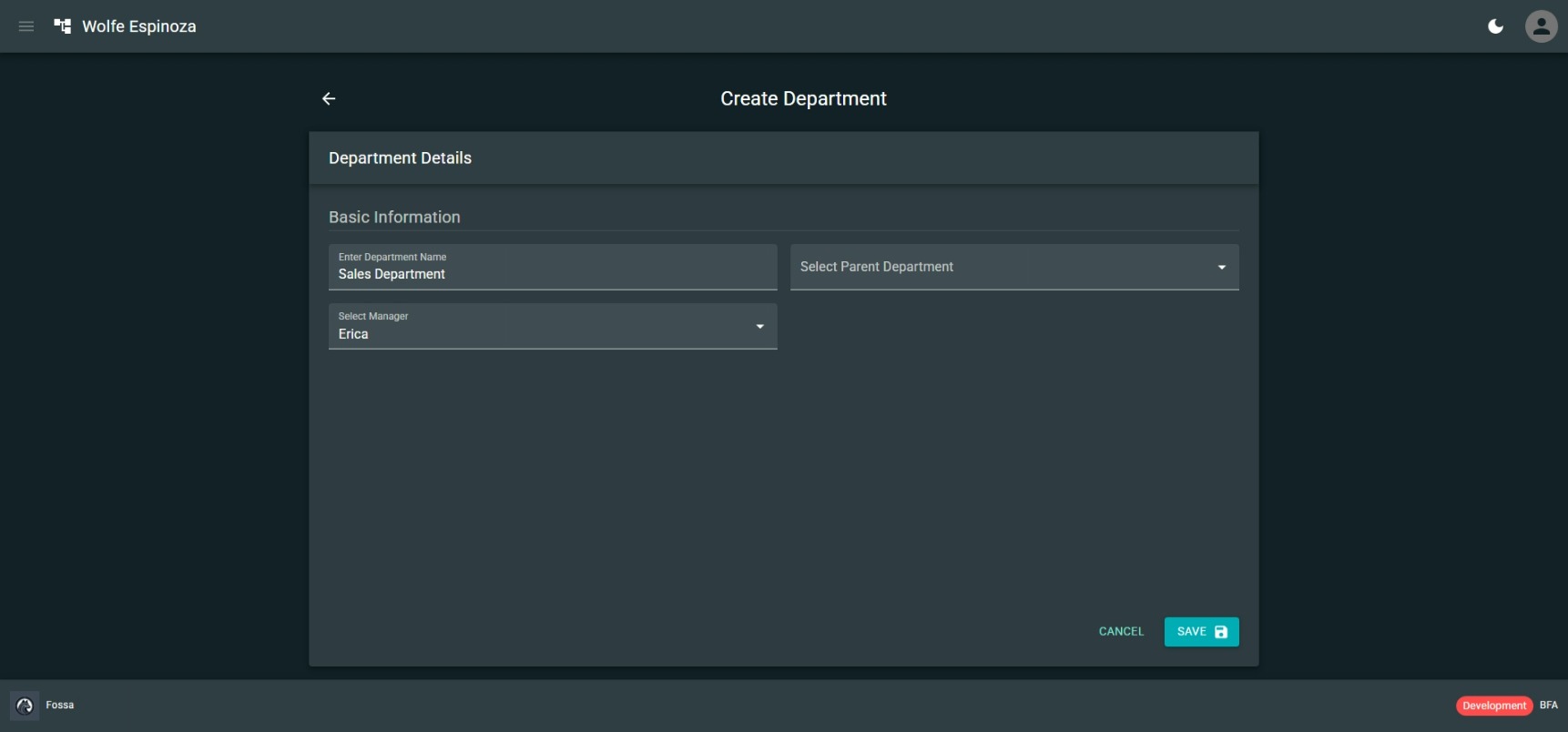
Department management flow provides list of existing departments, their names and managers (will be selected via searchable dropdown of employees). In this flow new ones can be created, existing ones can be modified, and inactive branches can be deleted (providing that there are no other entities that depends on the department).
Departments are hierarchical entities; department can have parent department. Cyclical dependencies are not allowed.
Employee Management Flow

Employees are created by employee onboarding process. However, there are some operations that administrator needs to do like assign employee to a branch and assign employee to the department.
Employee Offboarding Flow
When employment duration comes to an end employee can offboard themselves. This flow currently contains only one step, employee profile deletion. However, it can be extended to include other responsibilities.
Company Offboarding Flow
If companies decide to then their use of Fossa application, they can offboard their company from the Fossa system. Flow makes it simple to guide through which entities are already deleted, and which ones need to be deleted. After which company settings will be deleted and as a final step the company itself will be deleted.